
What Is Facm App on Android?
The Facm app you sometimes see on Android, especially on Samsung phones, isn’t a normal app you installed and it isn’t malware. Facm is part of a hidden factory or diagnostic mode used for internal testing and device checks. It usually appears because of a system trigger, not because someone is spying on you.
If Google lifted just that paragraph, it would still be true.
Now let’s slow it down and explain what’s actually happening on your phone.
Quick facts that matter
| Item | What it really means |
|---|---|
| Facm app | A system-level diagnostic component |
| User-installed | No |
| Spyware | No |
| Appears randomly | Yes, after updates or service codes |
| Can track you | No |
| Safe to delete | Usually no |
| Linked to factory mode | Yes |
| Common on Samsung | Very |
This table exists for one reason: to stop panic before it starts.
What Is FACM on Samsung Phones?
On Samsung devices, FACM stands for a factory or automated check mode. It’s used during manufacturing, repairs, and internal testing to verify hardware functions like sensors, cameras, facial recognition, and system integrity.
Here’s the key point you need to remember:
FACM is not designed for end users, and it does not behave like a normal app.
Because it’s hidden, when it surfaces it feels suspicious. But suspicious does not mean dangerous.
What Is Facm Mode?
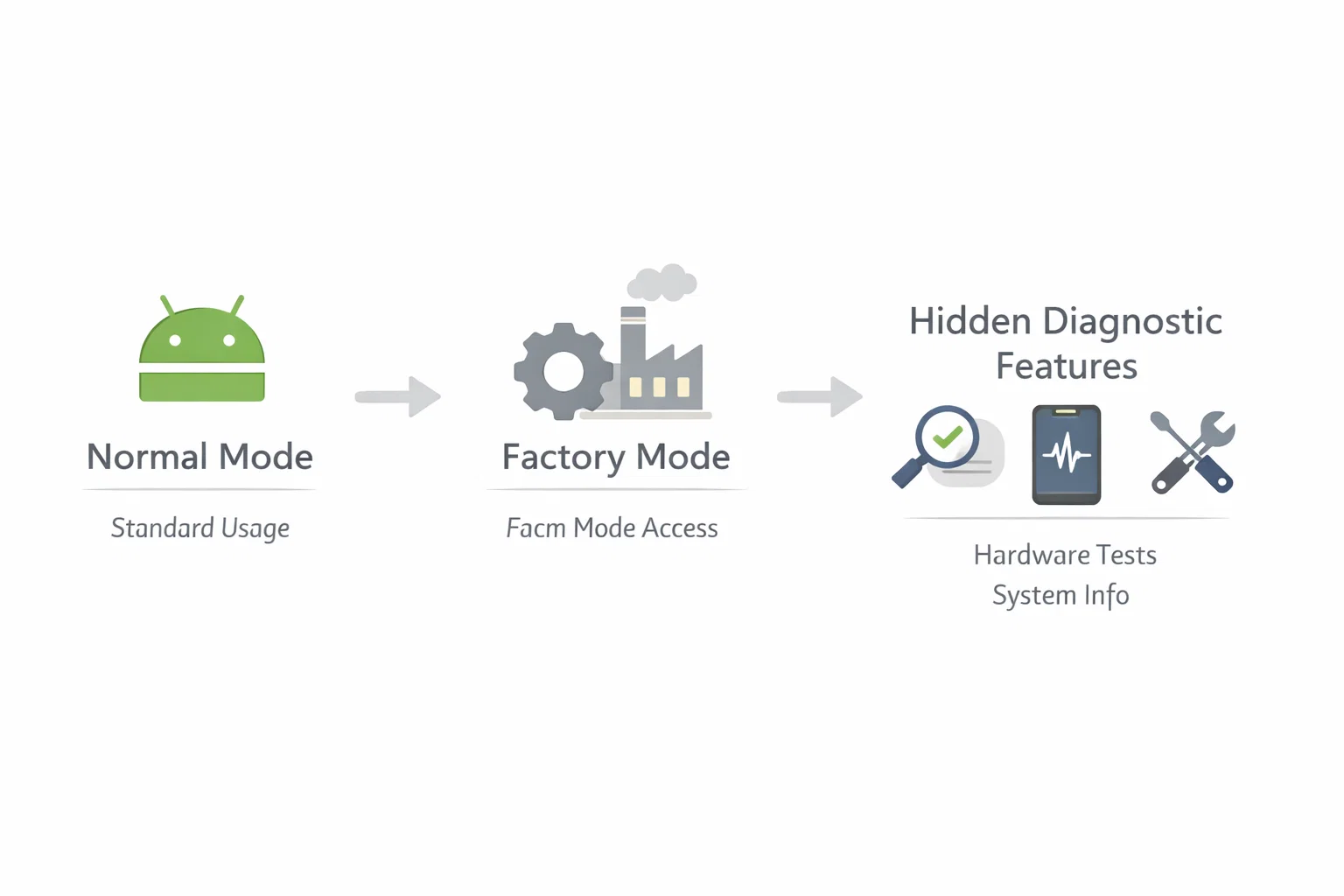
Facm mode is a restricted environment inside Android that allows diagnostic commands to run without user interaction.
Problem:
You see something called “Facm” or “FacAtFunction” and assume it’s spying.
Cause:
Android exposes internal components when a system condition is met. That condition can be a software update, a failed sensor check, or a service menu trigger.
Fix:
Understand that Facm mode cannot operate like spyware because it has no outbound communication layer.
One calm sentence worth quoting:
Facm mode checks hardware states; it does not monitor user behaviour.
What Is FacAtFunction Used for on Samsung?
FacAtFunction is closely related to Facm. It’s an automated testing function that validates things like:
- Face unlock sensors
- Camera alignment
- Proximity and light sensors
- Secure hardware flags
In real-world use, technicians access this during factory testing or repairs. Normal users are never meant to interact with it.
I’ve seen this appear most often right after:
- A major Android update
- A failed biometric setup
- A device restored from backup
That pattern matters.
Is Facm a Spy App or Malware?
Short answer: no.
Long answer: spyware needs three things to work:
- Permission to read personal data
- Ability to transmit that data
- Persistence across user resets
Facm has none of those.
A quotable fact that’s safe and accurate:
System diagnostic components don’t have the permissions or network access required for spying.
If Facm were malware, it wouldn’t hide inside factory frameworks that security tools already audit.
Can Facm Track You Without You Knowing?
This question comes up a lot, and it’s fair.
Tracking requires:
- Location access
- Background network communication
- A user-level or root exploit
Facm has none of these by design.
What it can do:
- Run internal checks
- Validate sensor responses
- Exit silently
What it cannot do:
- Record audio
- Track GPS
- Send data externally
That boundary is important.
Why Does Facm Suddenly Appear?
This is where most fear starts.
Common triggers include:
- Android system updates
- Dialling hidden service codes
- Failed biometric calibration
- Interrupted system setup
Android doesn’t “announce” these modes. When one surfaces, it looks like a ghost app.
Here’s the reality:
If Facm appeared without you installing anything, that’s actually a sign it’s system-level, not malicious.
How Is This Different From a Real Spy App?
Let’s draw a clean line.
Real spyware usually shows:
- Battery drain with network spikes
- Unknown app permissions
- Data usage while idle
- Device overheating
Facm does not:
- Request permissions
- Appear in app stores
- Run continuously
- Use mobile data
If your phone shows the first list, look deeper. If it shows only Facm, relax.
How to Find Fake or Scam Apps on Android
This is where your energy is better spent.
Do this instead of chasing Facm:
- Check app permissions manually
- Review unknown accessibility services
- Look for apps without icons or names
- Monitor data usage by app
One practical line from experience:
Scam apps hide in permissions, not in factory frameworks.
What Are Signs Your Samsung Phone Has Actually Been Hacked?
Let’s be clear and grounded.
Real compromise looks like:
- Passwords changing without reason
- Accounts sending messages you didn’t write
- New admin apps you can’t remove
- Google or Samsung security alerts
Facm does none of this.
Confusing system behaviour with hacking is one of the most common mistakes I see.
Should You Disable or Remove Facm?
In most cases, no.
Here’s why:
- It’s tied to system integrity
- Removing it can break diagnostics
- Disabling factory components can cause boot issues
Who should not touch it:
- Anyone without deep Android system knowledge
- Anyone already experiencing stability issues
When it makes sense to act:
- If the phone is unstable
- If factory mode keeps reappearing
- If a reset fails to clear it
What Does Disable Factory Mode Do?
Disabling factory mode doesn’t “secure” your phone. It just prevents internal checks from running.
Outcome:
- No privacy gain
- Possible system errors
- Harder future repairs
That trade-off rarely makes sense.
How to Wipe a Samsung Phone Safely (When It’s Actually Needed)
A factory reset is a last resort, not a reaction.
Use it if:
- You see verified malware
- The system is corrupted
- Security services fail
A reset removes user-installed threats, not factory diagnostics.
That distinction matters.
What Is Perso on Android?
Perso refers to personalization or provisioning states set during manufacturing or carrier configuration.
It’s another internal label that scares users because it’s unfamiliar.
Unfamiliar does not mean unsafe.
Is Samsung Safe for Privacy Overall?
No phone is perfect. But Samsung devices run layered security:
- Hardware-backed encryption
- Secure boot chains
- Continuous system audits
The biggest privacy risk is still:
- Installing unknown apps
- Granting excessive permissions
- Ignoring security warnings
Not factory diagnostics.
One Common Mistake That Causes Panic
People search the app name, see alarming forum posts, and assume the worst.
Here’s the calm correction:
Hidden system tools surface because Android is transparent, not because it’s compromised.
That transparency is actually a strength.
Bottom line
Facm is a factory diagnostic component, not a spy app and not a threat. It appears because of system triggers, not malicious activity.
Practical recommendation:
Focus on app permissions and security updates, not hidden factory modes.
Your phone is far more secure than the internet makes it sound.
FAQs:
- What is FACM on a Samsung phone?
FACM is a built-in Samsung diagnostic mode used for factory and hardware testing, not a user-installed app. - What is Facm mode on Android?
Facm mode is a restricted system state that runs internal checks and is not meant for everyday phone use. - How can I find fake apps on my Android phone?
Check app permissions, accessibility access, unknown app names, and unusual battery or data usage. - What is FacAtFunction Android used for on Samsung?
FacAtFunction is used to test hardware features like facial recognition, sensors, and camera alignment. - How do I find hidden content on my Samsung phone?
Hidden system items can appear in service menus, system apps, or diagnostic modes triggered by updates. - Is Samsung facial recognition safe to use?
Samsung facial recognition is secure for daily use, but it’s less secure than fingerprint or PIN protection. - How do I detect a spy app on my phone?
Look for unknown admin apps, constant background activity, permission abuse, and unexplained data usage. - How can I identify a scammer app on Android?
Scammer apps often request unnecessary permissions, hide icons, and mimic system or utility apps. - Can someone track my phone without me knowing?
Tracking without consent is unlikely unless malicious apps or compromised accounts are involved. - What are signs that my Samsung phone has been hacked?
Unexpected account activity, forced settings changes, unknown apps, and repeated security alerts are common signs.

Chris Digital, tech enthusiast and digital marketer, shares insights on WordPress, SEO, Adsense, online earning, and the latest in graphics and themes.